Coworking (drop-in, pay-as-you-go)
Walk in without a booking and settle at the exit for the time you used. Usage-based billing, monthly members and room bookings on one system. Auto-checkout at closing time.
WORK SPACE
Drop-in
¥15/min
© UnlockOS
The Challenge
- Walk-in guests can't access the space without staff present to handle payment
- Per-minute billing requires manual time tracking and error-prone calculations
- Membership and drop-in systems are separate — double management overhead
- No way to auto-checkout guests when the facility closes for the night
How UnlockOS Helps
- Walk in without a booking, get timed from entry to exit, and pay at the door on the way out — usage-based billing, monthly members and room bookings on one system, which only UnlockOS with KEYVOX does
- Guests scan QR or open LINE — select a plan group and check in instantly
- Usage-based billing calculated automatically from entry to exit, with daily caps
- Plan groups let guests choose between drop-in, flat rate, or one-time pricing
- Auto-checkout at closing time with automatic Stripe settlement
Flexible pricing for every scenario
Usage-Based (Hourly)
Per-minute billing with daily maximum cap and day-of-week rates.
Sauna: ¥15/min weekday, ¥20/min weekend, cap ¥3,000
Exit Billing (Postpaid)
No upfront payment. Guests pay actual usage amount upon exit.
Coworking: Enter freely, pay when you leave
Daily Flat Rate
Fixed daily price with optional day-of-week pricing.
Unmanned Cafe: ¥1,500/day weekday, ¥2,000/day weekend
One-Time (Duration Flat)
Single fixed-price session.
Sauna: 90 min session ¥2,500
Seamless experience from start to finish
Scan QR or open LINE
Guest scans the entrance QR code or taps a LINE link to open the check-in page.
Select plan from group
Choose from available plans: 'Sauna Only ¥600/h', 'Full Access ¥900/h', etc.
Issue entry key
QR code + PIN issued for smart lock access. Session timer starts.
Use the space
Real-time session tracking. Usage time visible on the check-in page.
Auto-settle on exit or closing
Exit triggers Stripe payment. Or auto-checkout at facility closing time.
Issue exit key
Exit QR/PIN issued. Door unlocks. Session complete.
Get started in 3 steps
Configure Plans
Set up usage-based (¥/min), flat rate, or one-time plans. Group them so guests can choose at entry.
Share QR or Link
Place QR codes at the entrance or share check-in links via LINE, website, or social media.
Earn Automatically
Guests self-serve. Payment and access are handled end-to-end — you focus on your space.
Reservation, walk-in or membership — your call
How you take guests is the owner's decision, not the industry's. Mix all three and they still share the same plans and inventory.
By reservation
Meeting rooms and booths are booked by time; the key opens only that room for that slot.
Walk-in
The main case: scan at the door, bill from entry to exit, settle at the exit. No booking, no desk.
Membership
Monthly plans with a daily-hours or monthly-visits allowance cover the open floor; members still pay drop-in rates for rooms if you want.
Built for your workflow
Usage-Based Billing
Per-minute pricing with configurable daily caps and day-of-week rates. Perfect for saunas and coworking.
Exit Billing (Postpaid)
No payment at entry. Guests use the space freely and pay the calculated amount upon exit.
Plan Groups
Let guests choose their pricing plan at check-in. Example: 'Sauna Only ¥600/h' vs 'Full Access ¥900/h'.
LINE Integration
No app download required. Guests check in via LINE for a frictionless experience.
Auto-Checkout
Facility closing time triggers automatic checkout and Stripe settlement for all active sessions.
Night Pack Surcharge
Time-of-day surcharges for late-night usage. Configurable per plan.
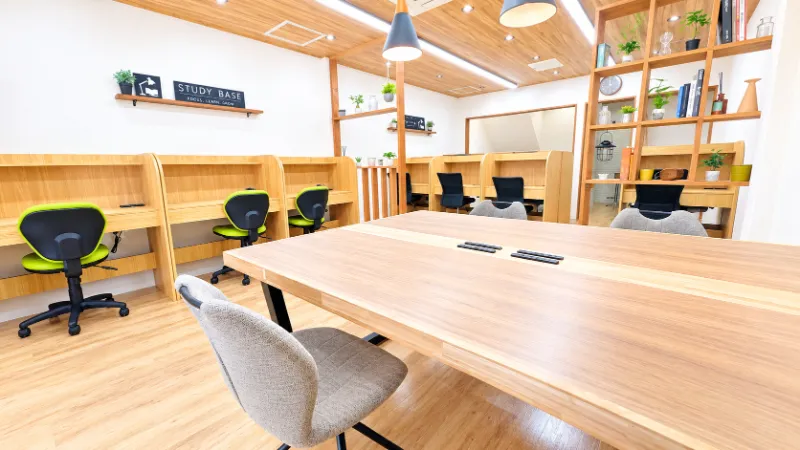
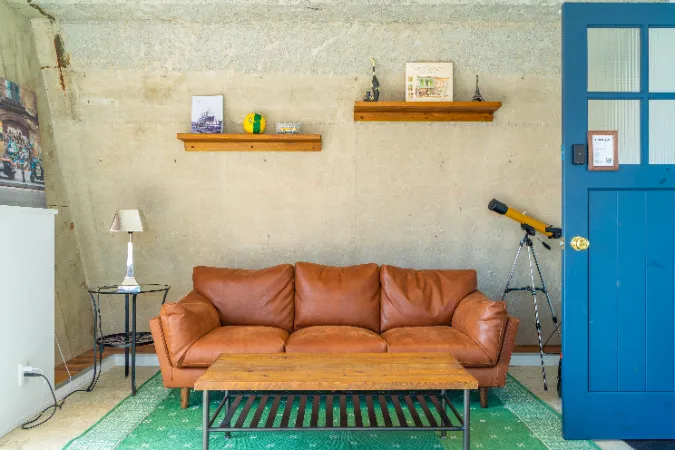
Places already running this
See more places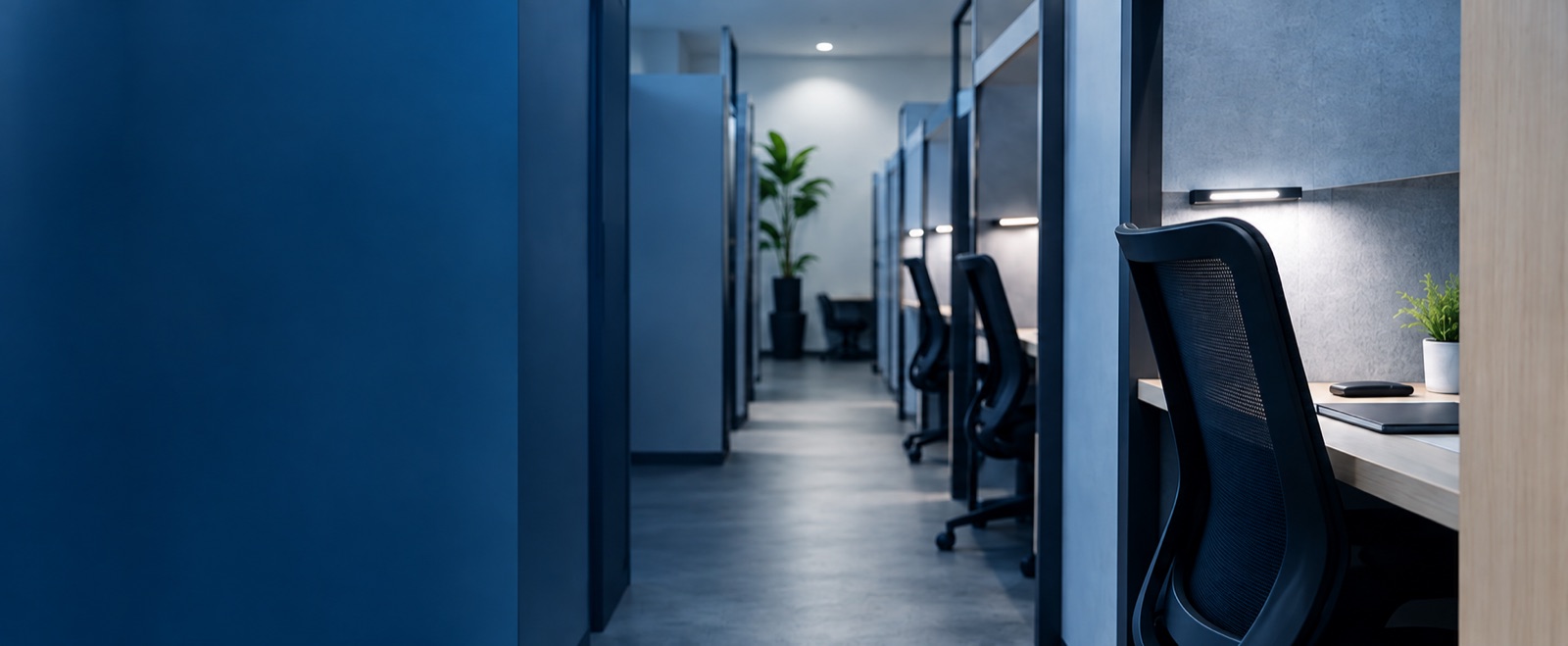
See whether it works for your space, right now
These open the screens a guest sees. You can run them all the way through — payment and key included.
Every space here is fictional. The pricing and operating patterns come from real conversations with operators.
Payments run in test mode. 4242 4242 4242 4242 / 12/30 / 123. Nothing is ever charged.
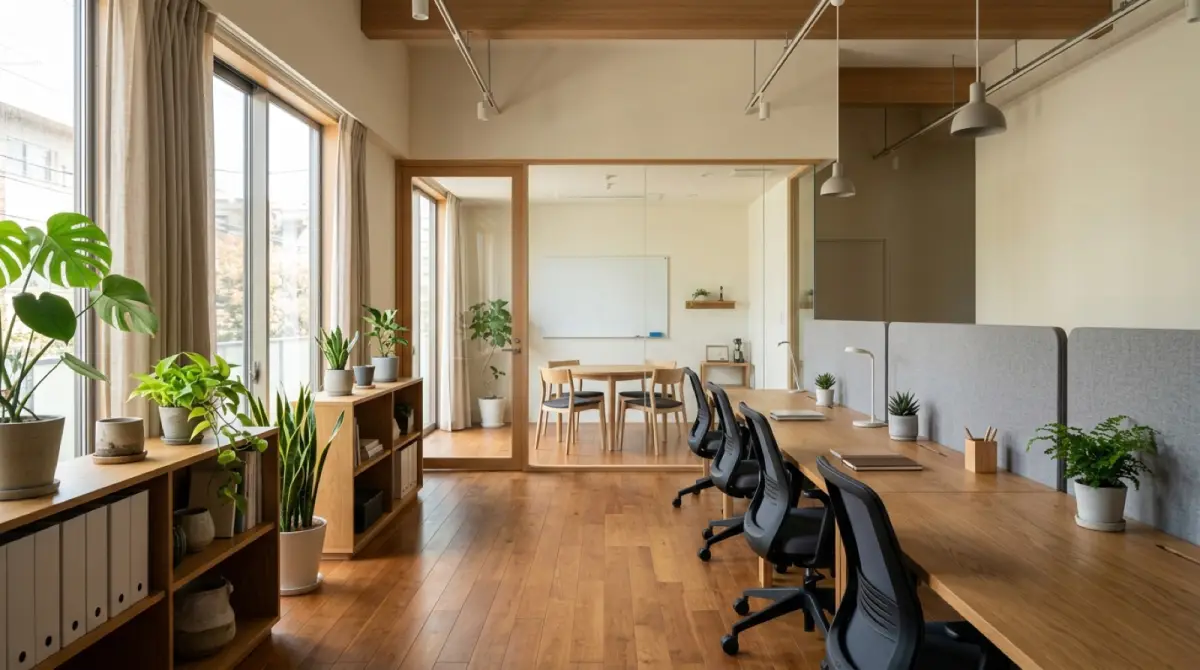 Demo
co-ba Monzen-Nakacho Coworking
Drop-in desks by day, the whole floor by night.
- Non-members drop in on the spot, prepaid, with a daily cap
- Monthly members walk through the same door at no extra charge
- Evening venue hire as a separate entry point
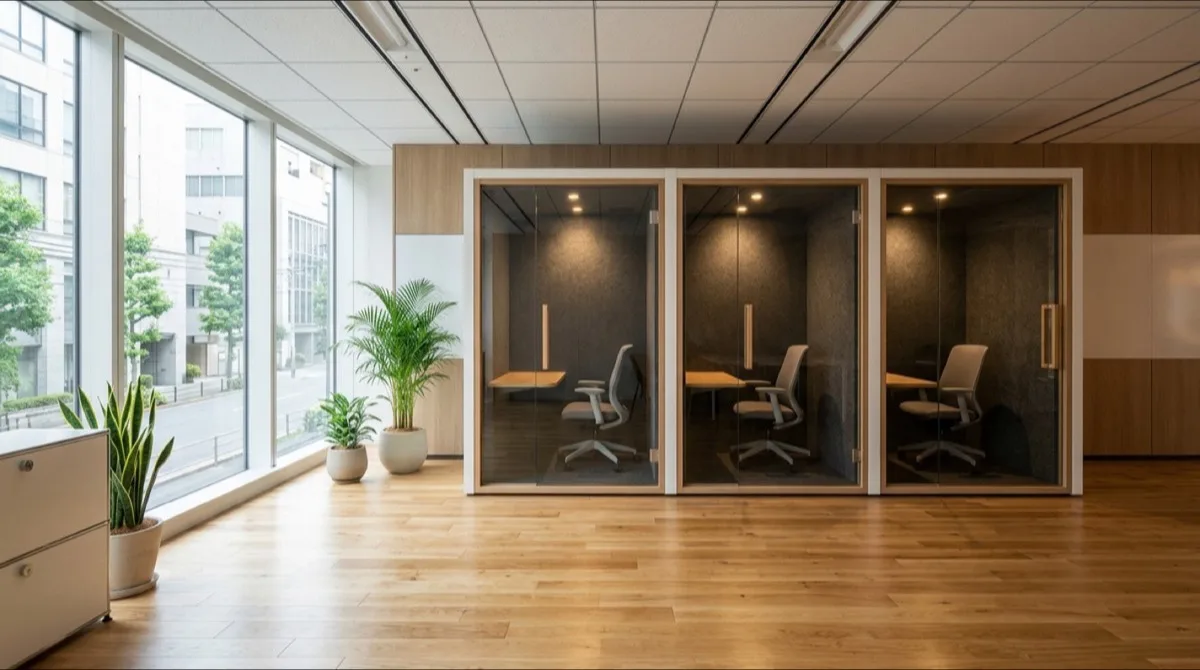 Demo
SOLO Work Booths Gotanda
Grab a free booth fifteen minutes before the call.
- Three identical booths, assigned automatically
- Fifteen-minute slots, bookable right up to the start
- Free for members — the booking confirms with no payment step
KEYVOX opens the door. UnlockOS runs the business.
KEYVOX smart locks, gates and lockers are built into UnlockOS. The moment a booking or payment completes, a key only that person can use (PIN, QR or LINE) is delivered, and it expires on its own. Hardware choice, installation and wiring are covered on the KEYVOX side.
See the KEYVOX page for this industryRun the next site exactly like the first
Built so you can add sites without hiring an IT team.
Open the second site by copying the first
Plans, pricing, opening hours and key rules from the first site are copied to the next one. Nothing is rebuilt from scratch.
Separate permissions for HQ and each site
HQ sees every site; a franchisee or manager sees only their own. When someone leaves, you remove their role — nothing physical to collect.
Revenue and check-ins per site
Compare revenue, check-ins and members per site from HQ. It feeds franchisee support and the next opening decision.

Ready to monetize your space?
Join property owners who automated their operations with UnlockOS.