Rental Spaces
Quick access URLs for instant booking. Calendar-based reservations with overtime billing calculated automatically.
STUDIO ONE
Meeting Room 3h
¥5,000
Checked in
Checked in
© UnlockOS
The Challenge
- Creating booking URLs and sending access codes requires manual coordination every time
- No way to automatically charge for overtime when guests stay past their booking
- Calendar management across multiple rooms is fragmented and error-prone
- No-shows and last-minute cancellations leave rooms empty with no revenue
How UnlockOS Helps
- Quick access mode: generate a payment+access URL in seconds, share via any channel
- Overtime billing calculated automatically — base time + per-30min overage
- Calendar UI with month/week/timeline views for multi-room reservation management
- Auto-checkout at booking end time with instant settlement
Others start from the booking. We start from the key.
Existing reservation SaaS sells calendar slots and treats access as an afterthought. UnlockOS reverses this: we slice physical access rights by time and identity, so payment-to-key delivery is one continuous URL.
Payment → key in one URL
Guests open a link, pay, identify themselves, and receive their access code — without ever leaving the page.
Single-use vs recurring keys are different UIs
A one-night guest key and a monthly resident key are fundamentally different flows. We model both natively, not as features bolted onto a calendar.
Works with or without a PMS
Light facilities run standalone. Hotels run alongside their existing PMS. Both work because the design starts from the key layer.
We design the most painful moments out of existence.
When you start from access (not the calendar), you can absorb the moments that hurt operators most — as part of the core design, not as patched-on features.
Late-night and unattended check-ins drain staff and create response delays.
Guests serve themselves from a URL. Zero staff hours required, any time of day.
Guests overstay their booking, and overtime charges are never collected.
Automatic checkout, key revocation, and overage charges hit the card on file the moment the booking ends.
PINs and codes sent by message get lost, copied wrong, or leaked.
The access URL itself carries the PIN/QR. Guests just tap and enter — no plain-text codes flying around.
Multiple-room calendars conflict, and double bookings sneak through.
Two-way Google Calendar sync with conflict detection and a visible resolution UI when something does collide.
Legal guest registry forms (hotel / vacation rental laws) get skipped.
If the form isn't filled out, the key isn't issued. Compliance is wired into the access path, not after the fact.
Payment-to-key handoff requires manual coordination every single time.
The instant payment clears, the key appears on the same URL the guest is already looking at.
Flexible pricing for every scenario
Fixed + Overtime
Base time at a flat rate, plus per-interval charges for overtime.
Meeting Room: 3h ¥5,000 + ¥500/30min overtime
Time Slot Booking
Fixed pricing for specific time blocks.
Studio: 10:00-12:00 ¥3,000, 13:00-17:00 ¥5,000
Hourly Rate
Simple per-hour pricing for flexible bookings.
Party Space: ¥2,000/hour, 2h minimum
Seamless experience from start to finish
Create quick access URL
Select door, set duration and price in dashboard. Generate shareable URL in seconds.
Share URL with customer
Send via email, LINE, or embed on website. No booking system needed.
Open URL and enter email
Guest opens the link, enters email for receipt and communication.
Complete payment
Pay via Stripe (or skip if set to free). Free mode available for complimentary access.
Issue time-limited access key
Entry key valid only for the specified duration. Auto-expires at booking end.
Auto-checkout and settle
End time triggers checkout + settlement. Overtime charges applied if applicable.
Get started in 3 steps
Add Your Spaces
Configure rooms with base rates, overtime pricing, and available time slots.
Create Access URLs
Use quick mode for instant URLs or calendar booking for scheduled reservations.
Let Guests Self-Serve
Guests open the URL, pay, and receive time-limited access codes automatically.
Built for your workflow
Quick Access Mode
Generate a payment+access URL instantly. Specify door, duration, and price — share via email, LINE, or web.
Reservation Check-in
Calendar-based booking with 24h pre-check-in. Guests receive access codes after payment.
Overtime Billing
Base time + automatic overage charges. Example: 3h base ¥5,000 + ¥500 per 30min after.
Calendar Booking UI
Month, week, and timeline views for availability management across multiple rooms.
Time-Slot Pricing
Different rates for different time blocks. Morning ¥3,000, afternoon ¥5,000, evening ¥4,000.
Auto-Checkout
Booking end time triggers automatic checkout, key revocation, and settlement.
Works with your existing tools
Payments
Standard card payments via Stripe.
Smart Locks
Two-way integration with smart lock systems. KEYVOX is built in; locks with a public cloud API are connected through an adapter.
Google Calendar / PMS / OTA
Two-way sync with existing reservation tools — Google Calendar by default, plus PMS / OTA via API and iCal.
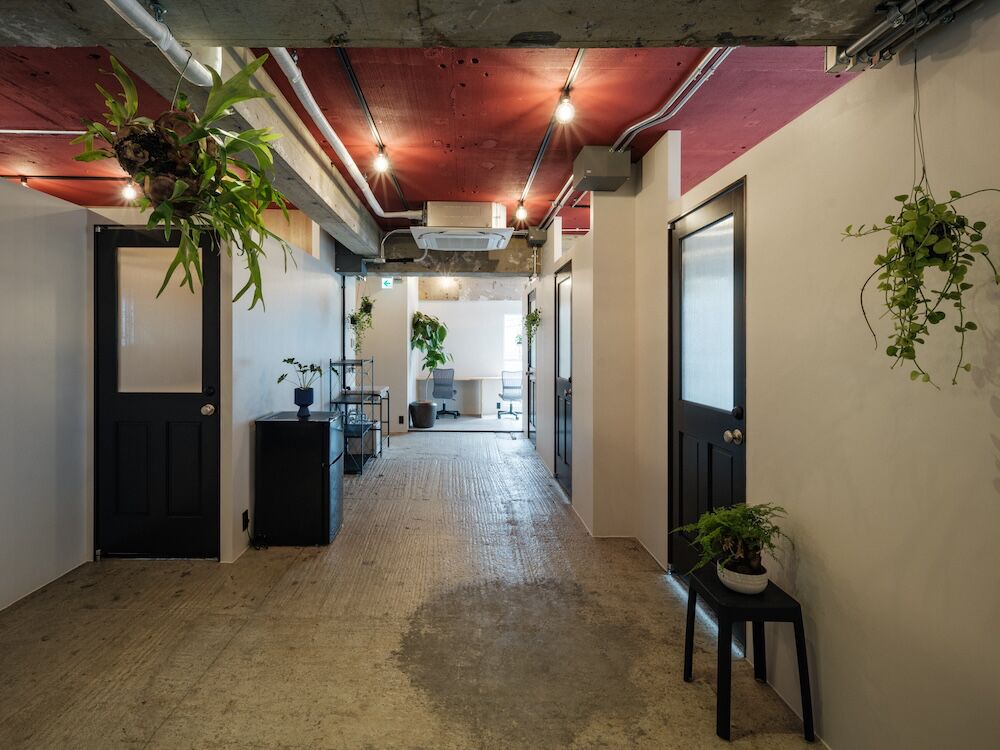
See whether it works for your space, right now
These open the screens a guest sees. You can run them all the way through — payment and key included.
Every space here is fictional. The pricing and operating patterns come from real conversations with operators.
Payments run in test mode. 4242 4242 4242 4242 / 12/30 / 123. Nothing is ever charged.
 Demo
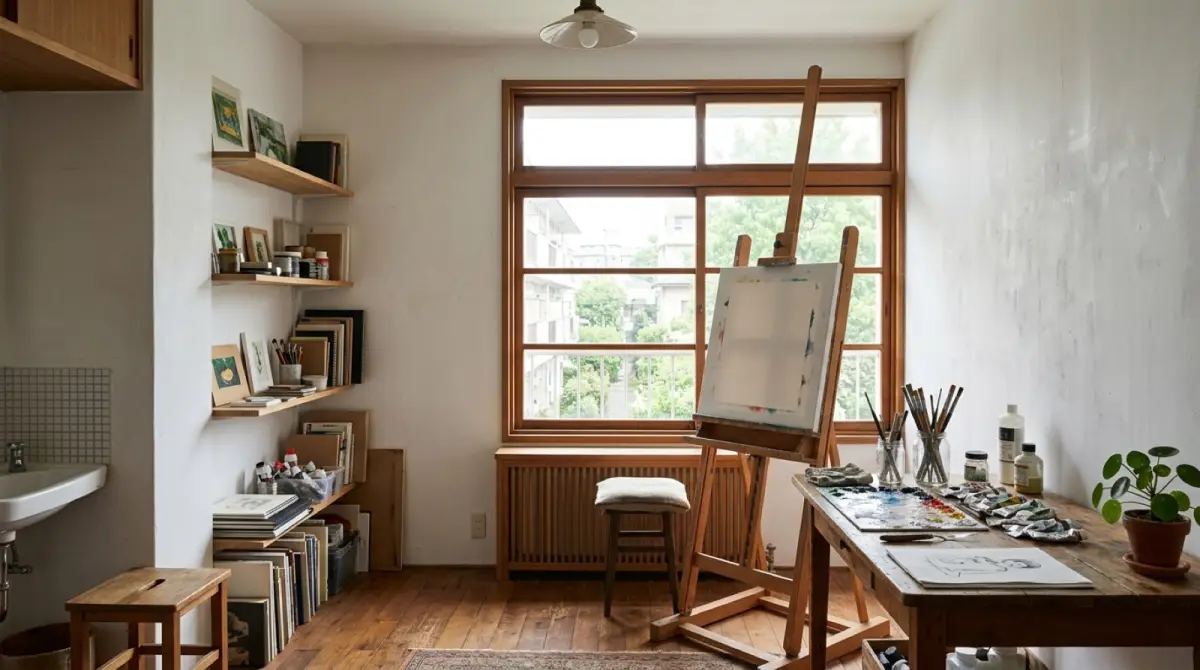
DemoHinata Rental Atelier
One room, sold through three different doors.
- The same room priced differently per entry point
- Monthly plans split by how often you come
- A free 30-minute viewing slot
 Demo
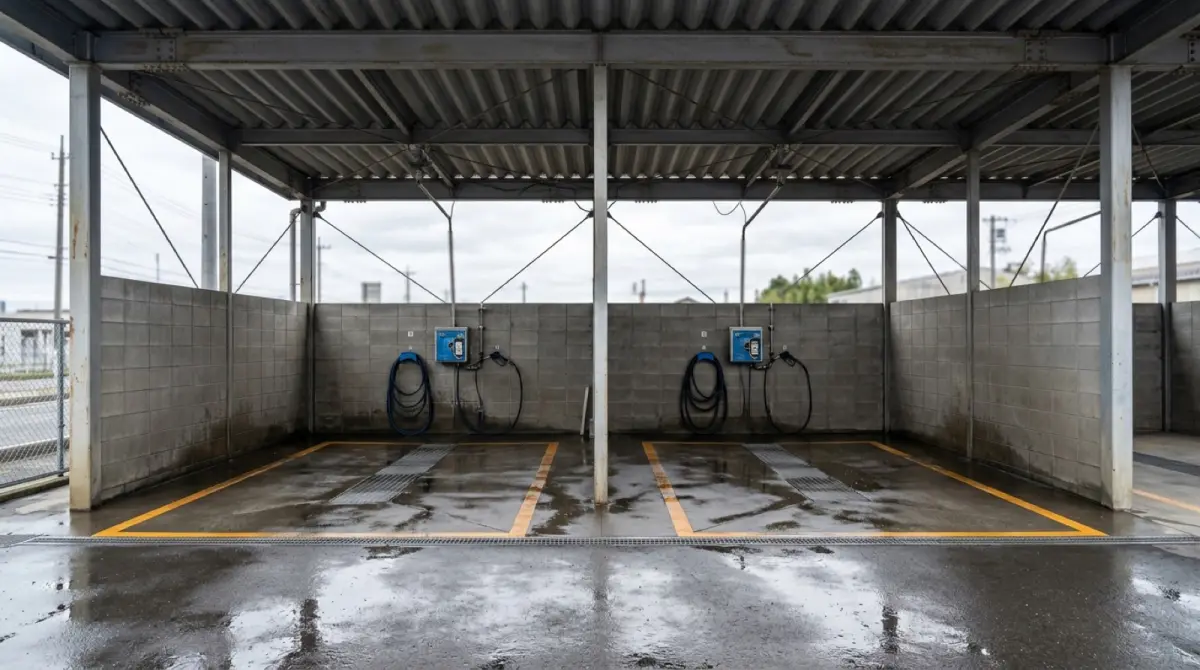
DemoAQUA BAY Self-Service Car Wash
Renting the bay itself, in two-hour blocks.
- Two-hour blocks on a physical bay
- Member and non-member rates side by side
- A time-limited opening offer
 Demo
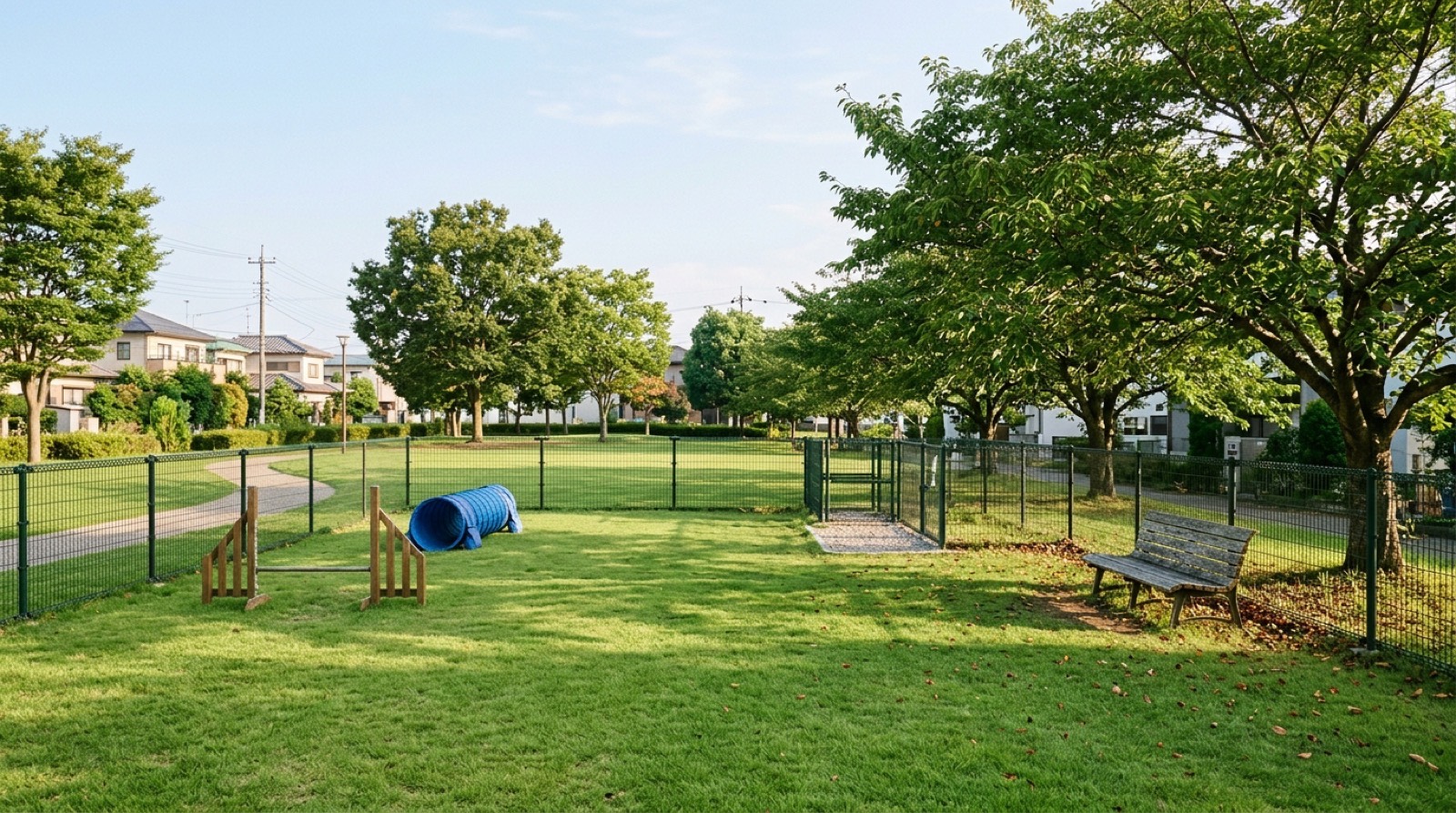
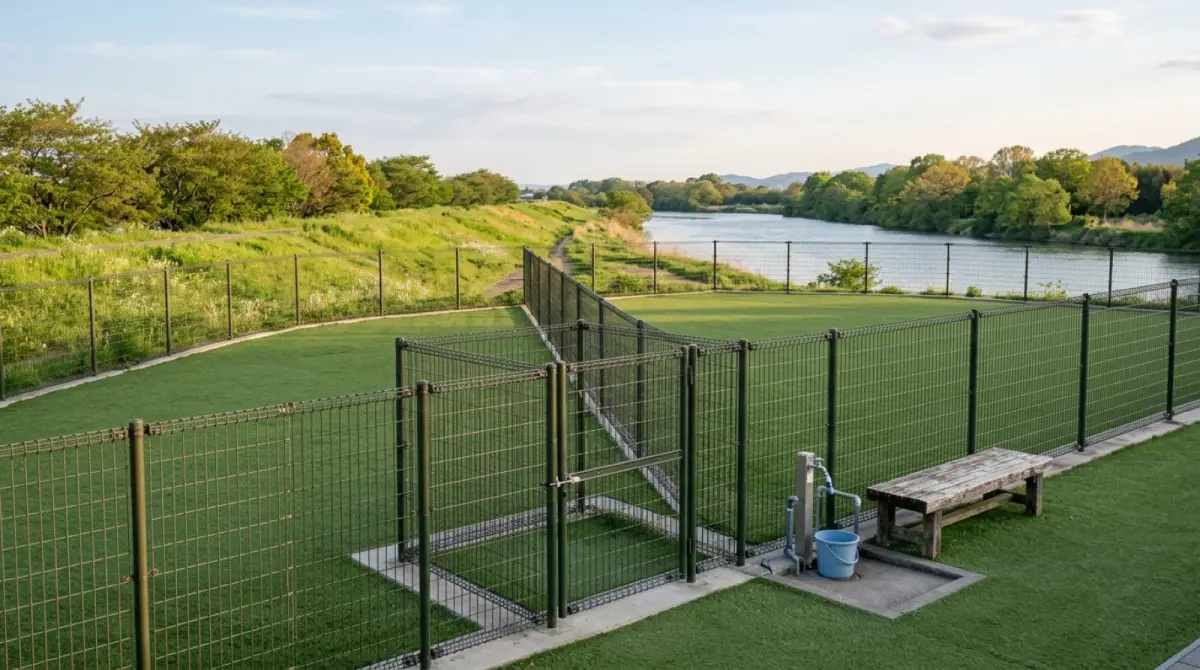
DemoSorairo Private Dog Run
Priced by how many dogs come. Booked ahead, run with nobody on site.
- Hourly pricing that changes with the number of dogs (1–5)
- Weekday, weekend and full monthly tiers, each with a member rate
- Hire the whole field exclusively
 Demo
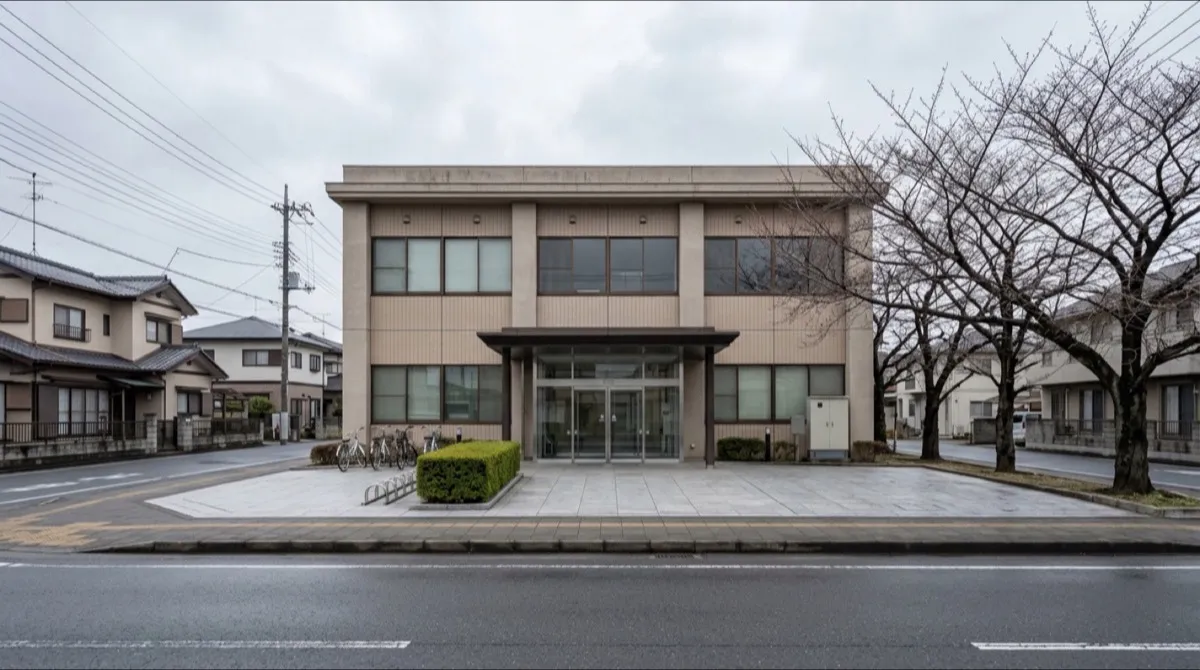
DemoSakuradai Community Hall, Minamo City
One QR code at the desk records who used which room.
- Scan the fixed QR at the desk and the sign-in is done
- Name, address and phone kept as the visitor register
- Four rooms chosen from a single entrance

Ready to monetize your space?
Join property owners who automated their operations with UnlockOS.